How Businesses Implement Remote Access Today
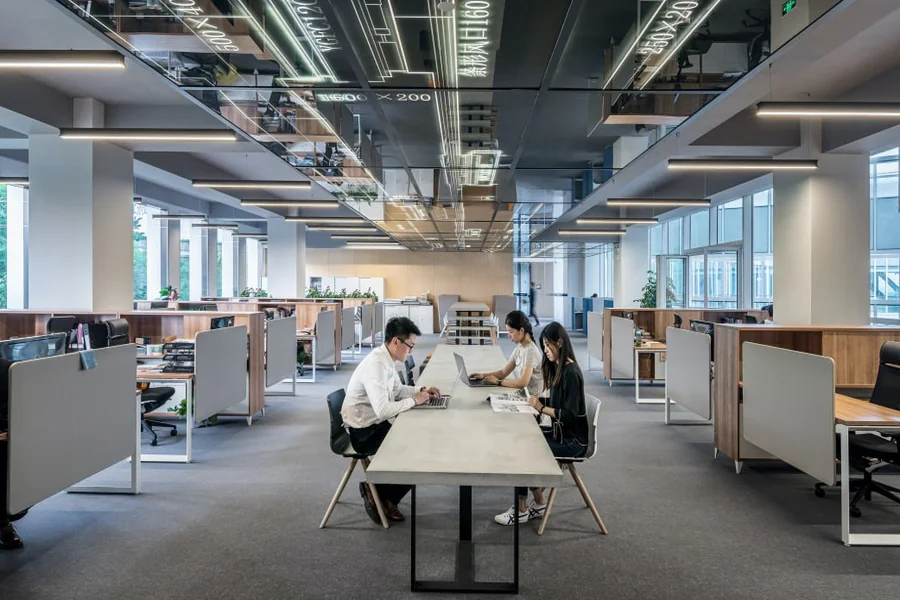
Today, the workplace does not resemble what it did ten years ago. Today, employees work from home offices, co-working spaces, client sites, and airports. Contractors and vendors require periodic access to internal systems. You can watch IT teams support distributed workforces as security products. One major focus of this shift is on the remote access technology you have built, which may have started as an IT convenience but has become a linchpin for how your organization will operate.
For IT leaders, security professionals, and others responsible for building or managing a distributed workforce, knowing how remote access works and what styles businesses choose to implement is more important than ever.
Understanding Remote Access for the Modern Enterprise
Remote access refers to the ability to connect to a computer, network, or application from outside the organization. While this sounds straightforward, in practice it encompasses a vast array of technologies, policies, and tradeoffs.
The idea of remote access software for business encompasses a wide range of solutions, from VPN tunnels that link an employee’s home to the corporate network to cloud-hosted desktops that deliver a complete computing environment over the internet to lightweight remote desktop tools that enable IT staff to quickly take control of an endpoint. Each approach presents unique performance, cost, and security considerations, tailored to address specific challenges faced by modern workplaces.
Main Remote Access Methods Companies Utilize
Virtual Private Networks
VPNs are still one of the most widely used remote-access technologies, especially in organizations with a history of local infrastructure. Generally, a VPN creates a secure tunnel from the remote device to the corporate network, effectively moving that endpoint within the organization’s perimeter. This method is effective for accessing file shares, internal web apps and databases hosted on-premises.
At scale, the limitations of VPNs kick in. The usual traffic flow when many employees connect at the same time is to backhaul them over their corporate VPN gateway and have them traverse the gateway as a central node before reaching the destination. This leads to performance issues and bottlenecks, particularly for cloud-based applications that could otherwise be accessed directly. VPNs give you widespread access to the network once authenticated, and security teams point out that this increases risk if credentials are compromised.
RDP and endpoints access solutions
Another large driver category is direct access to unique endpoints (i.e., tools like these enable a user to see and operate with the remote machine as if they were sitting in front of it. This method is heavily adopted by IT and support teams for troubleshooting, software deployment, and hands-on maintenance of remote systems.
This model has been increasingly adopted by organizations for general employee use too, especially where specific hardware/OS is required for certain applications. In those situations, a user might personally work from a home laptop while seamlessly interacting with an already configured workstation that continues to live on-site or in a data center.
Cloud-Based and Software-Defined Access
The third and most rapidly growing approach goes well beyond perimeter-based models altogether. It is a common principle of software-defined access, cloud access security brokers, and zero-trust network access frameworks that they grant or deny access based on identity and context verification rather than physical location or even the size of the organization.
In practice, this means that when a user tries to access an app, they are assessed based on who they are, what device they’re using, where they’re connecting from, and whether that combination meets the organization’s policy. If it does, access is only granted to that specific application (not the whole network).
With that model, your attack surface is much smaller. Lateral movement across a network with a compromised credential is impossible if access policies are scoped tightly and enforced at the application level.
How Organizations Decide Which Approach to Follow
Organizations do not select one remote access technology and deploy it everywhere. Rather, they develop tiered applications leveraging multiple approaches based on the application. For example, an organization might utilize a zero-trust framework for all employees accessing general cloud applications, employ a remote desktop solution to assist IT teams, and support specialized workflows.
Several factors drive these decisions. This ranges from organizational maturity for cloud adoption to the sensitivity of accessed data, required compliance, workforce technical sophistication, and budget. Industries that are regulated, such as healthcare or finance, often have extra requirements that influence what technologies can be deployed and how those technologies need to be configured.
The NIST publication covering remote access security frameworks offers practical guidance on evaluating these technologies against organizational risk profiles. Consulting enterprise remote access guidance from bodies like NIST gives IT teams a structured foundation for making these decisions rather than relying solely on vendor recommendations.
Design Requirements CORE: Security
When it comes to remote access technology, organizations should build security in from the ground up, not bolt it in later as an afterthought. This includes the application of multi-factor authentication for every remote connection, all traffic encrypted while in transit, and knowledge about who is connecting, from where, and what they are doing once connected.
Another key aspect is endpoint security. However, even if the remote access technology is designed properly, a poorly maintained and unsecured remote device with insecure security software signatures, operating system patches or both can represent a very high level of risk. This means that an organization has to determine how much control over endpoints available and who can bring in personal devices or no devices at all.
Privileged access deserves particular attention. Highly privileged (administered) accounts with the ability to alter systems, retrieve sensitive databases, or regulate security topologies must be scrutinized more rigidly than standard user accounts by requiring session recording or minimal access provisioning.
Network security locations are leveraged by traditional perimeter defenses where access architecture that traffics to and from applications is an object of choice, but the pitfalls occur when there is less momentum for modern identity-based controls. A review of network access security guidance from agencies such as CISA provides useful context on why many organizations are reevaluating their remote access architecture in favor of more resilient, identity-centric models.
Policy, Training, and Ongoing Management
The mere use of technology does not qualify as remote access. Control systems that outline what is deemed acceptable for use, dictate which data can and cannot be accessed remotely, clarify what employees must do to secure devices and connections (and more) are equally as beneficial.
User education matters as well. When staff knows why a security policy is in place, they are more likely to adhere to it regularly. The training programs which educate you on the danger of unprotected networks, using unpatched software and weak passwords also play an important role in enhancing the overall security position of a remote workforce.
It is an ongoing management process that involves regular audits of who has remote access, whether that access is still needed, and whether the technologies currently being used remain suitable for the organization. The unmanaged environments of RDP, where accounts pile without necessity, configurations fall out of date, and exceptions go unreviewed in time, tend to accumulate.
Frequently Asked Questions
What is the most secure remote access solution for businesses today?
It is impossible to give a single answer, as the right solution depends on the organization’s infrastructure, risk appetite, and compliance posture. Zero trust frameworks are generally regarded as the most effective architecture for new implementations, as they ensure applications can be accessed only through verified identities and device health, rather than offering broad network access once authenticated.
How businesses manage remote access for contractors and suppliers (third-party)
External parties typically do not get the same level of access as full-time employees at most organizations, so time-limited, scoped access credentials are used. A well-managed third-party access program will include privileged access management tools, session monitoring and deprovisioning workflows.
How does multi-factor authentication fit into remote access security?
One of the most effective controls for remote access environments is multi-factor authentication. By imposing a second form of verification on top of password-based authentication, organizations greatly reduce the likelihood that the use of compromised credentials alone is sufficient to breach their security.